Page History
How do I access and download FBMS reports?
- You must have a TRACS user account to access the FBMS Reports. See the User Guide Registration page for more information.
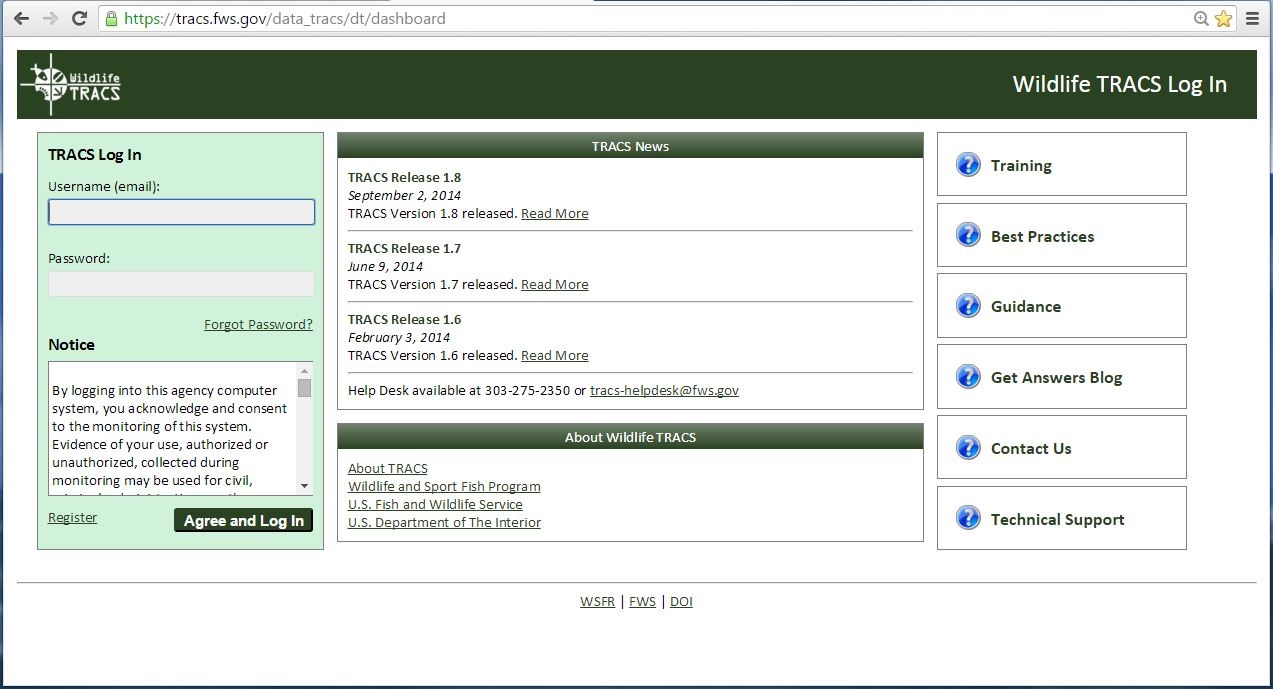
- Login to TRACS at https://tracs.fws.gov/data_tracs/dt/dashboard.
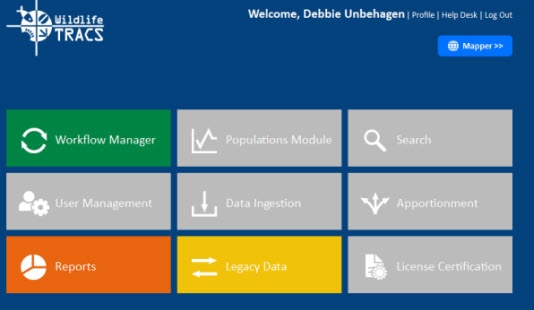
- The TRACS Dashboard is displayed. This is a central point of access to the application. The Dashboard consists of modules, tools, reports and functions. See the Reports module.
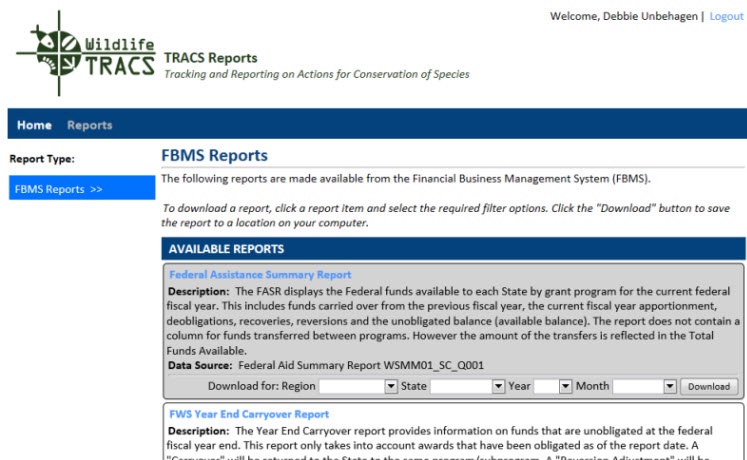
- Click on the report you want to access under Availabe Reports.
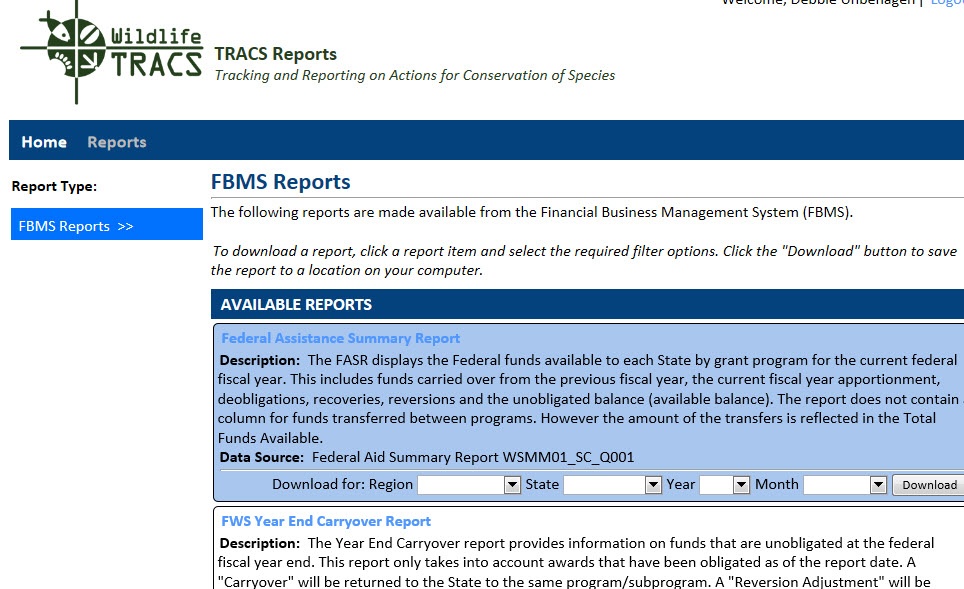
- In the Download For select the Region, State, Year, and Month from drop-down boxes. Click on Download button.
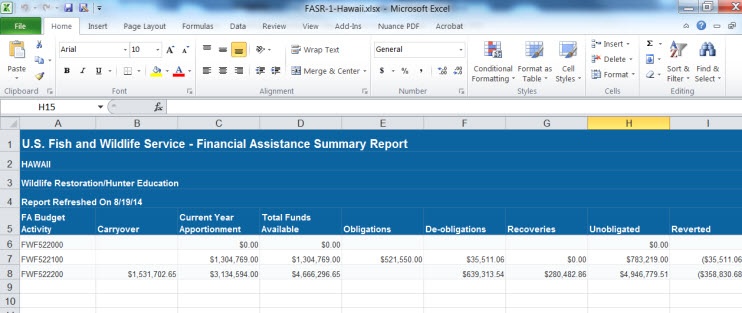
- You will receive a message asking to open or save the report. The report will open in Excel. Save the report to your computer.