Page History
...
To use Search, simply begin typing out the word or phrase you are looking for. You will immediately begin to see search returns below the Search box, with those returns becoming more specific as you type.
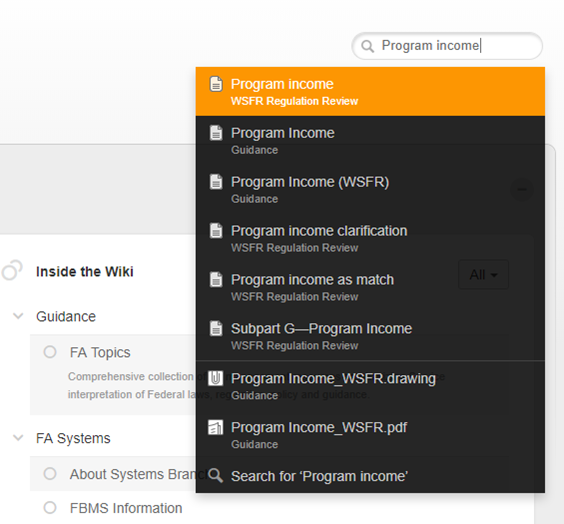

You can either select one of the Search returns shown, or select the "Search for 'xx'" option at the bottom.
...
This will display the complete Search results for your desired word or phrase. Included will be the number of Search results.
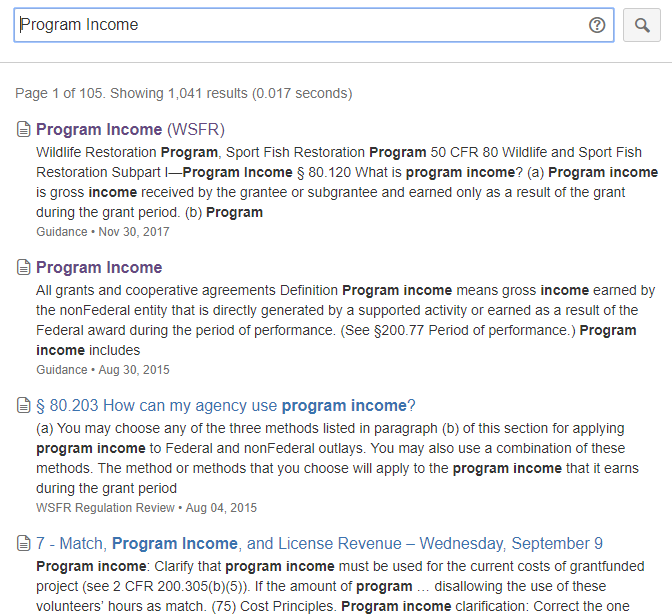
For a short video demonstration on using the Wiki Search box, click here.
Page Theme
For the majority of FA topic pages, the format is standardized and features a Content box, an Info box identifying where the topic applies (which FA award types, FWS FA programs, etc), and the following topic sections:
...
- Images (jpegs, gifs, pngs, etc.) can be enlarged with a mouse click. Some images may also contain links. (Click image below for an example).


The Wiki Layout
...
Categories are featured as tabs along the top of the wiki, from which Spaces can be accessed.
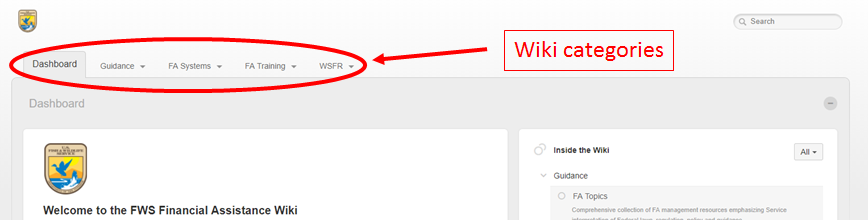

Wiki spaces
Spaces form the backbone of the FA Wiki, organizing content for easy navigation. There are a couple of ways to find and access the FA Wiki's spaces.
- From the Category tab:
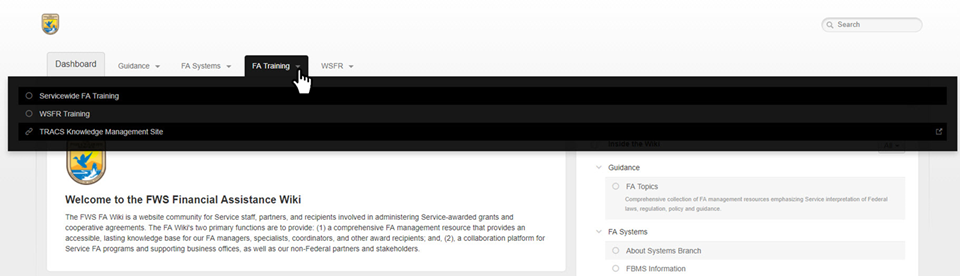

- From the active Category's main page:
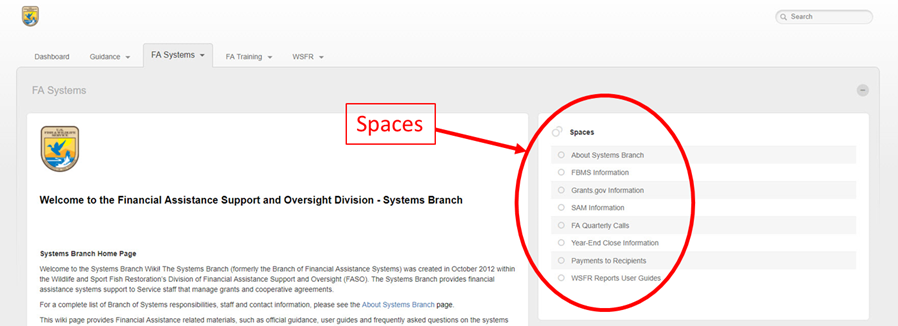
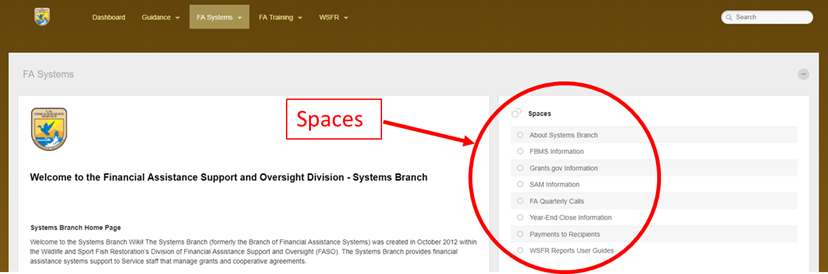
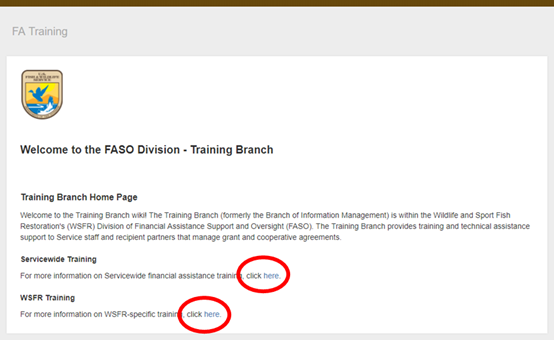
- From hypertext on the active Category's main page:
...
Quick Tip Video Tutorials
...
For additional help on navigating the FA Wiki, take a few moments to view these quick-tip tutorlal videos.
...

